
Self-guided product tour
Follow one distribution day across the business.
See how operating structure, commercial rules, transactions and reports can stay connected from outlet planning through stock movement, recovery and management review.
- Built for Pakistan distribution
- Multi-location
- Role-scoped
- Web platform
What this tour proves
The value is in the handoffs.
A dashboard alone cannot prove control. This tour shows how responsibility, commercial rules, transactions and reporting should remain connected across the distribution day.
These are current captures from the implemented modern application using seeded demonstration data. The interface continues to evolve; exact implementation scope is confirmed in writing.
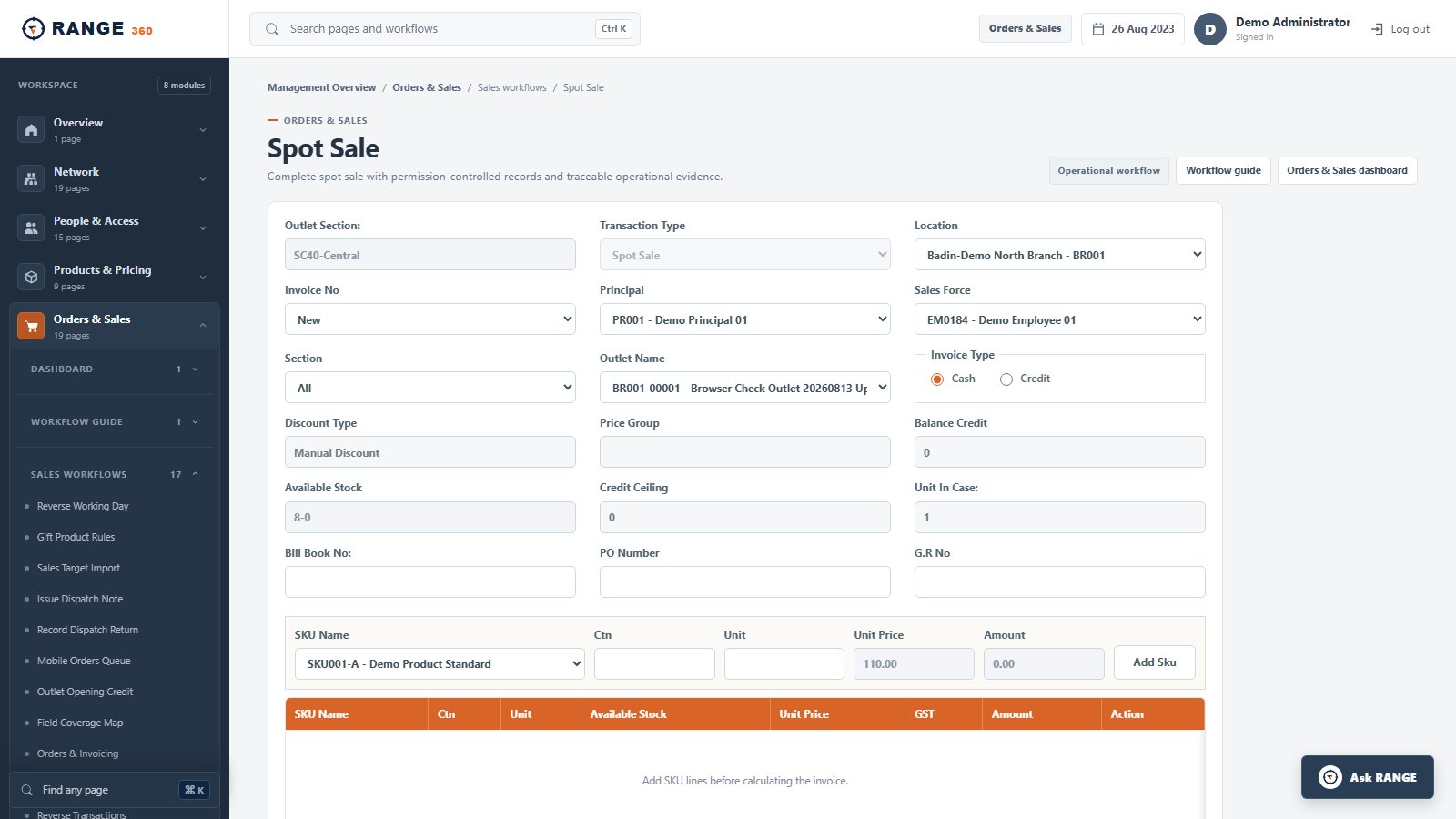
Start with the permitted operating picture
Use business-scope and date filters to review the current position before following an exception into its source workflow.
- Filter to the permitted business scope
- Keep daily sales and returns in the same review
- Use the dashboard as a starting point, not a substitute for evidence
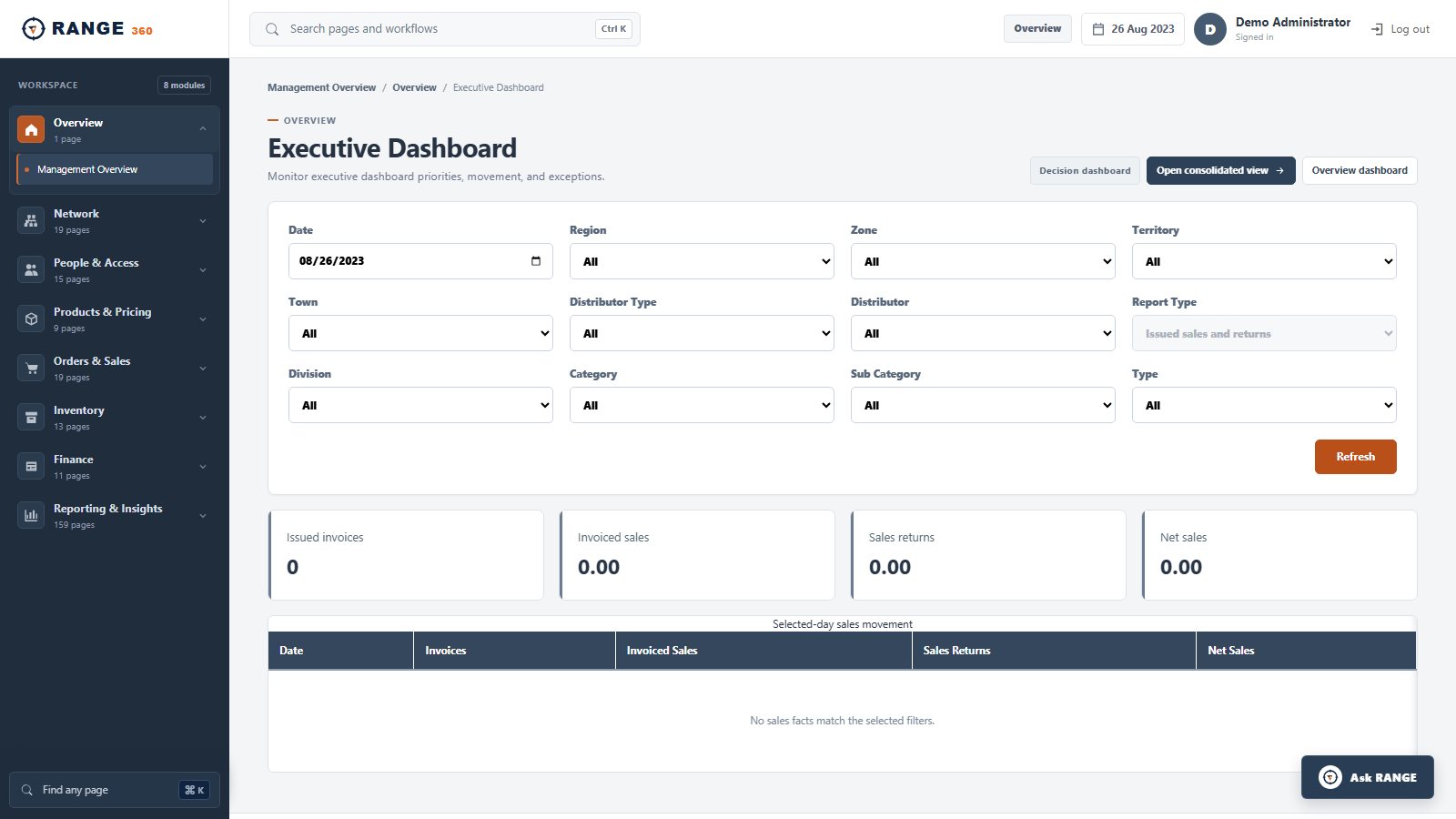
Keep responsibility attached to the transaction
Record the outlet, responsible employee, product, price, available stock and payment context together at the point of sale.
- Preserve outlet and field ownership
- Use governed SKU and price context
- See stock context before the transaction is saved
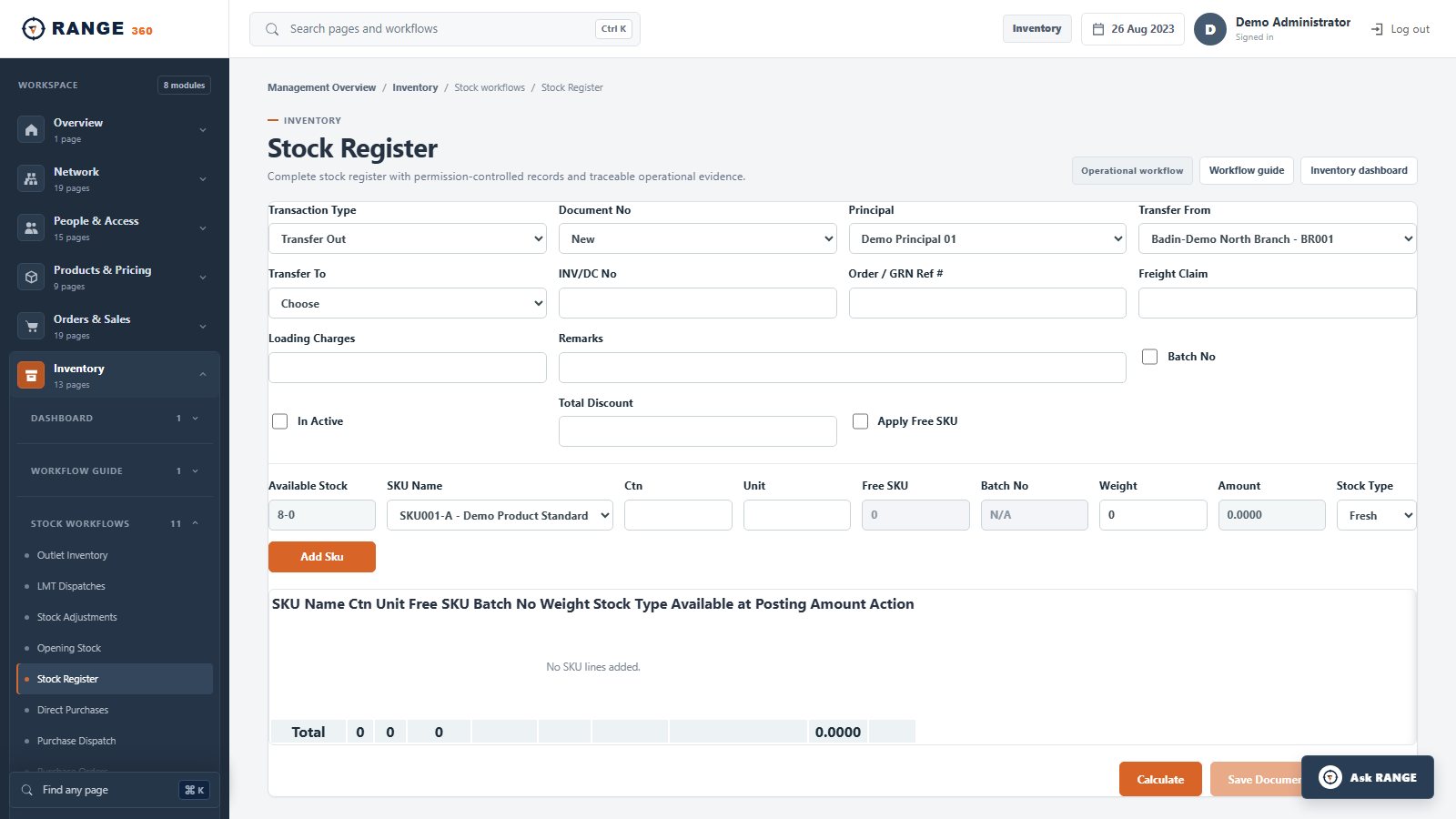
Explain why and where stock moved
Use location-scoped documents to record purchasing, dispatch, receipt, transfer, physical count and adjustment.
- Trace movement to an operating document
- Keep source and destination visible
- Reconcile physical and system positions
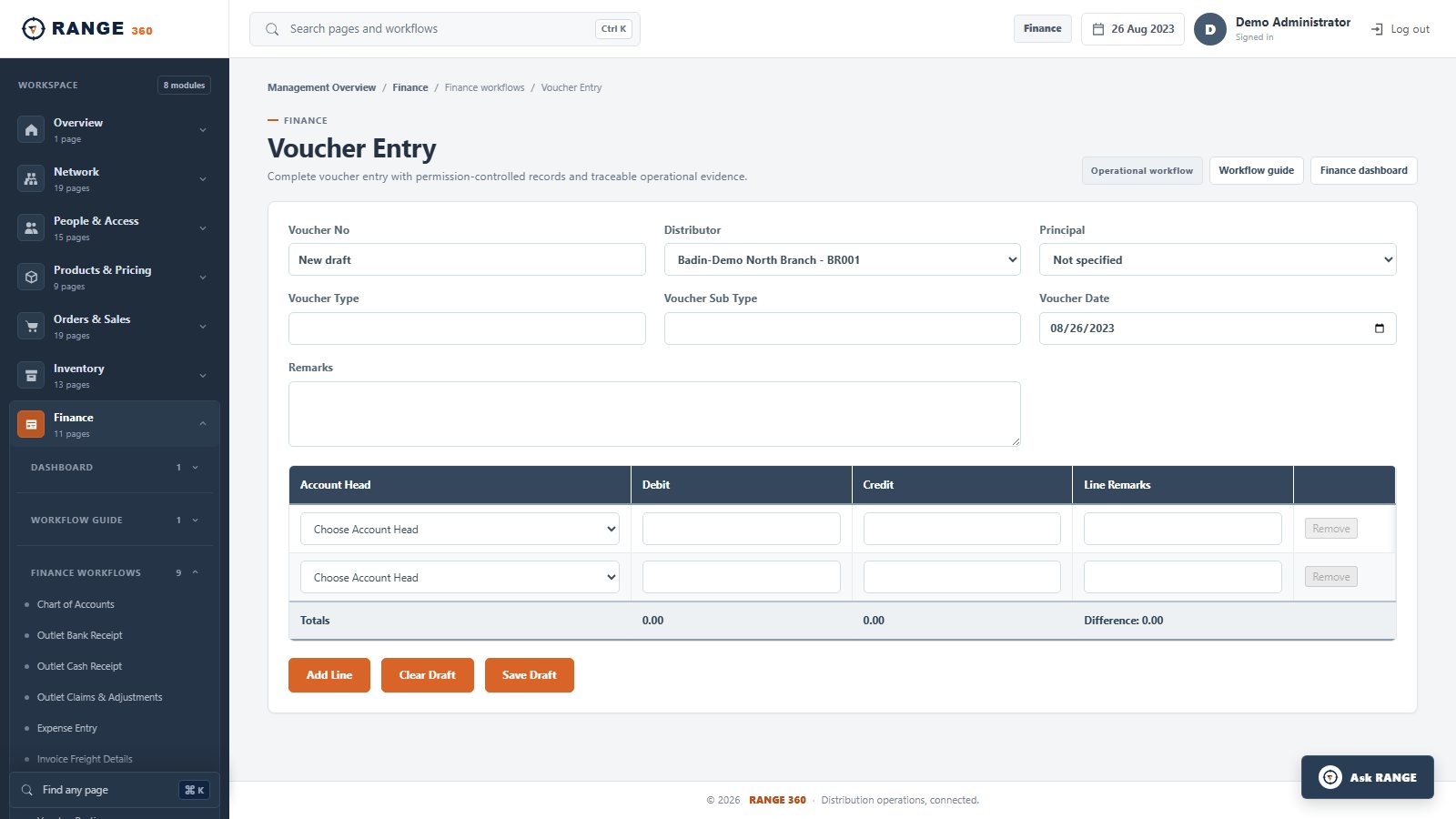
Record the accounting effect deliberately
Capture voucher context and balanced debit and credit lines without separating finance from the responsible business scope.
- Use controlled voucher types and dates
- Keep distributor context on the entry
- Require balanced finance lines
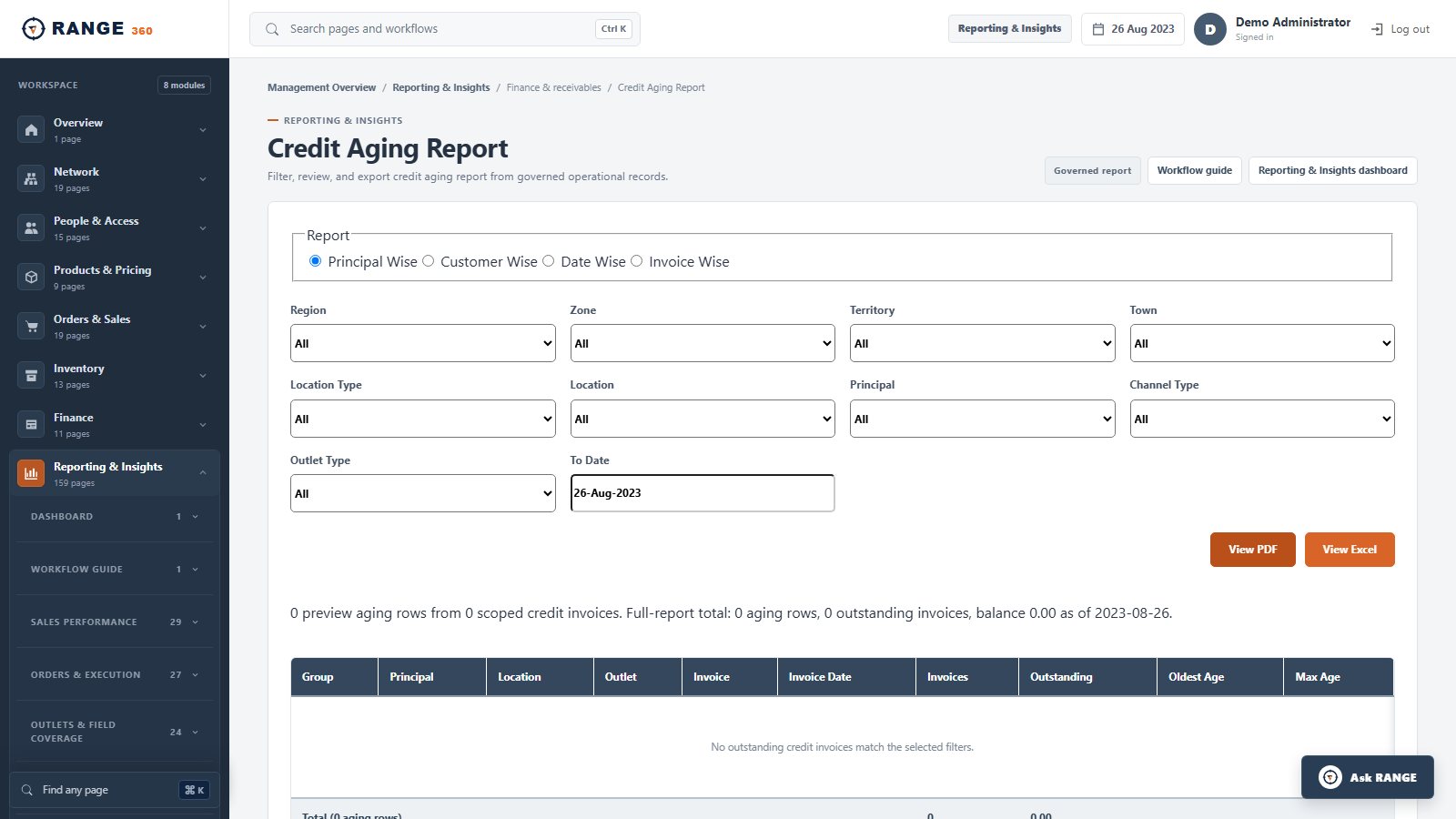
Review outstanding credit in context
Filter customer credit by geography, distributor, principal, outlet and aging basis so follow-up starts from the right operating scope.
- Inspect outstanding and overdue positions
- Group aging for the finance question at hand
- Connect recovery to customer responsibility
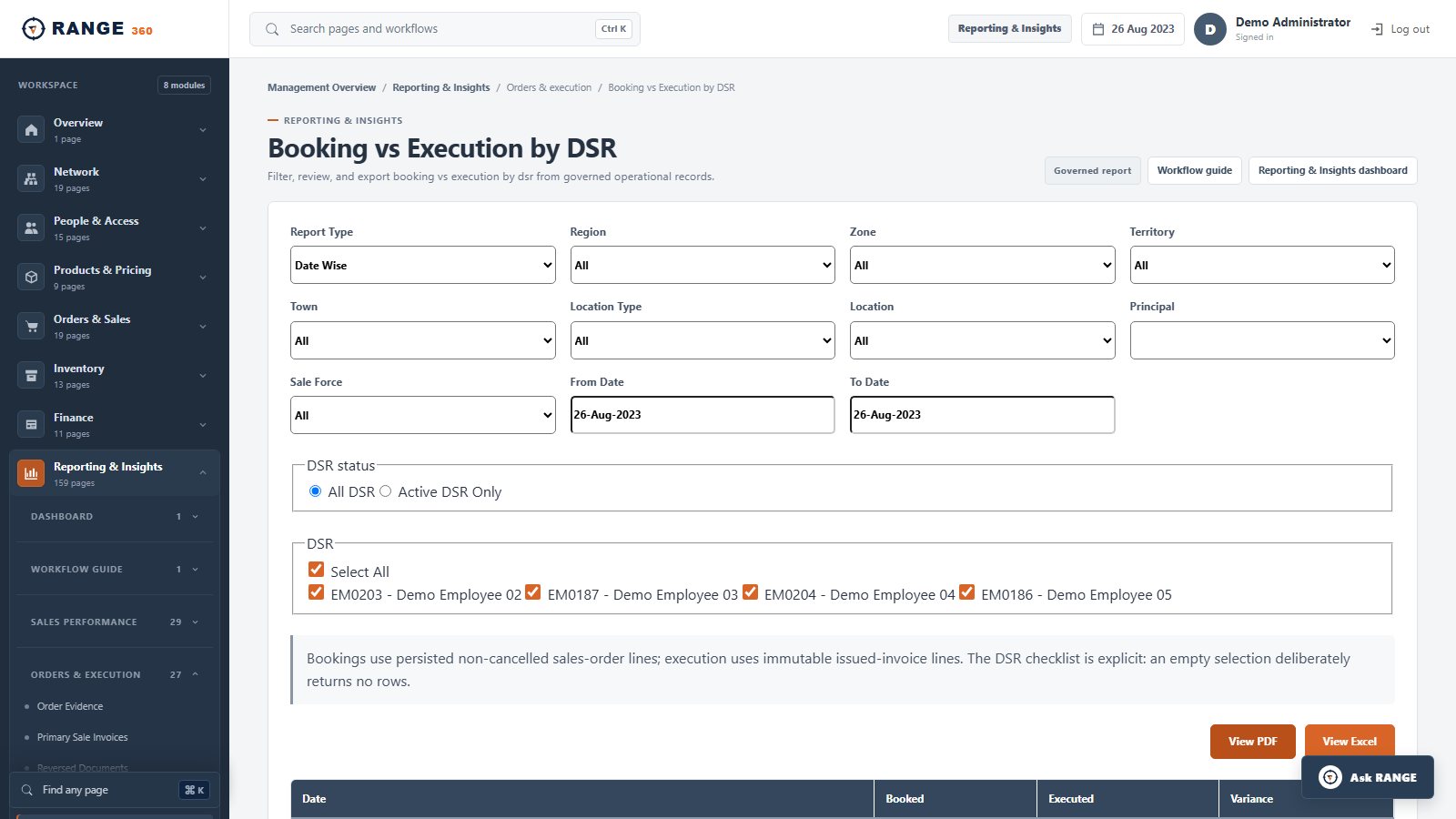
Compare booking with execution
Review booked demand and executed sales by field responsibility and period rather than collapsing both into one number.
- Select the relevant field team and period
- Keep booking separate from execution
- Use the same controlled facts for export and review
Turn the tour into evidence
Bring one real source-to-report scenario.
We will use your documents, roles, rules and expected outputs to show what fits, record what needs configuration, and identify anything outside the current product scope.
- 1
Choose a scenarioOrder to invoice, purchase to receipt, return to balance, or scheme to claim.
- 2
Define the expected effectIdentify the stock, customer, finance and report result.
- 3
Run it with the right rolesTest permissions, corrections, exports and evidence.
Frequently asked
Questions operators ask before a walkthrough.
Are these real RANGE 360 screens?
Yes. They are captures of implemented screens in the modern RANGE 360 development application, using seeded demonstration data. Exact implementation scope is still confirmed in writing.
Can we see our own process in a demonstration?
Yes. Bring one real scenario, including the users, documents, rules and expected reports. The live walkthrough can then focus on that process.
Does every implementation include every workflow shown?
Implementation scope is confirmed in writing. Modules, configuration, migration, integrations and rollout responsibilities depend on the agreed requirements.
Bring one real workflow