Distribution ERP for PakistanA product of ZaptechAI Pvt Ltd

Product modules

Everything your distribution operation needs to stay in range.

Adopt the modules your operation needs while keeping one permission model, one commercial vocabulary and one reporting foundation.

  • Built for Pakistan distribution
  • Multi-location
  • Role-scoped
  • Web platform
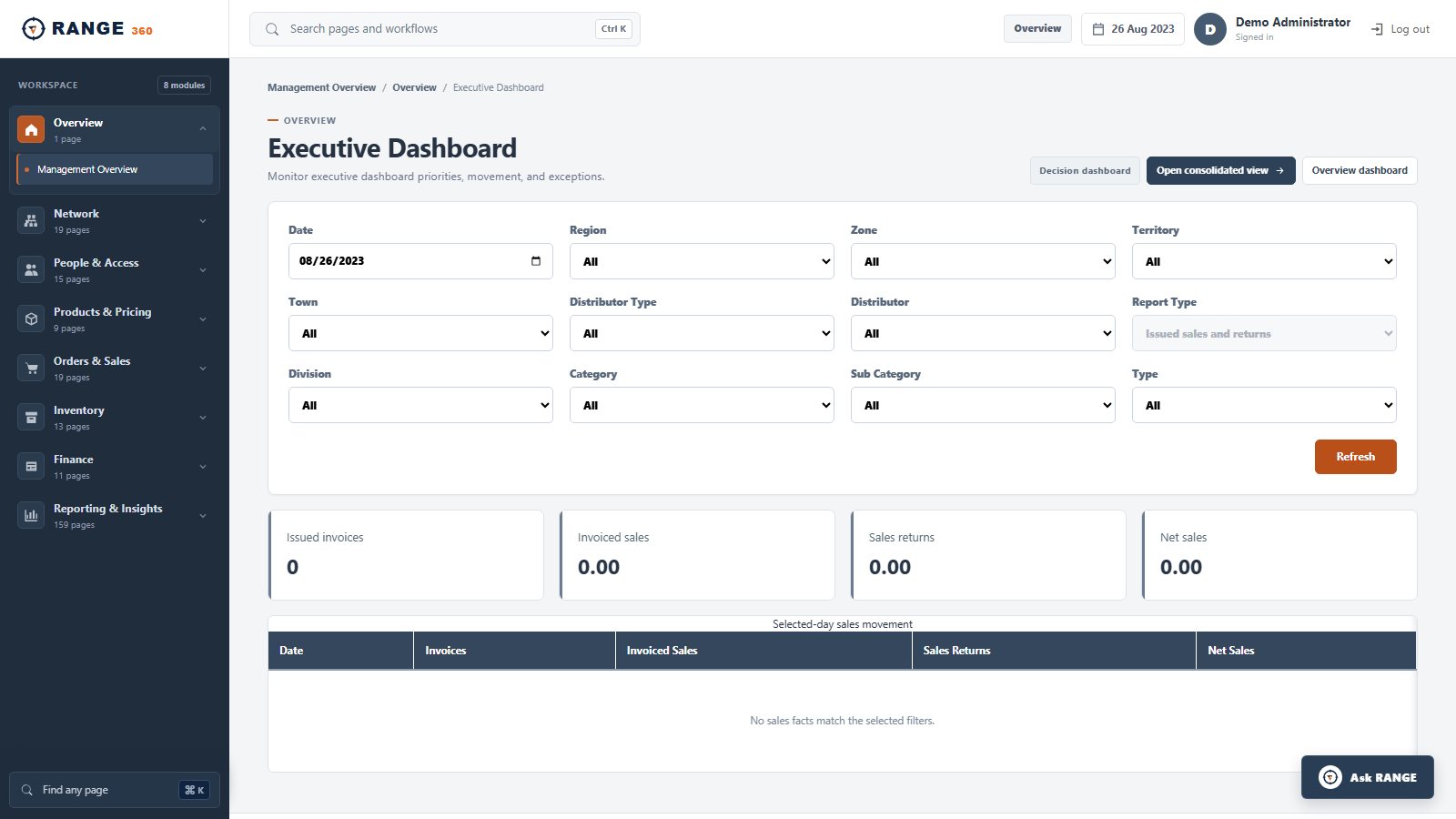
RANGE 360 Executive Dashboard with business-scope filters and daily sales metrics
Executive DashboardStart with the permitted business scope, then review daily sales and return movement.Real product screen · seeded demo data

Platform map

One data and control foundation across the distribution cycle.

RANGE 360 is organized around related operating domains. Each workflow keeps its business scope, permissions, source record and reporting context.

Foundation

Business structure

Distributors, locations, geography, sections, towns, principals, users and role assignments.

Commercial

Outlets and products

Channels, outlet groups, classifications, product hierarchy, SKU prices and customer pricing.

Execution

Field and secondary sales

Journey programs, targets, outlet coverage, booking, invoicing, returns and productivity.

Movement

Purchasing and inventory

Purchase orders, dispatch, GRN, transfers, physical stock, adjustments and reconciliation.

Settlement

Recovery, schemes and finance

Receipts, credit aging, promotions, claims, vouchers, ledgers and financial reporting.

Evidence

Reports and controls

Sales, outlet, inventory, credit, claim, account and management analysis under scoped access.

The difference is connection

A module list is useful. The handoffs between modules matter more.

RANGE 360 is designed so an outlet belongs to an operating structure, a sale uses governed product and price context, stock changes through documents, receipts affect recovery, and reports read the same controlled facts.

Walk through the distribution cycle →
01Structure informs permissions
02Commercial rules inform transactions
03Transactions inform stock and finance
04Source records inform management reporting

Implemented interface

See the operating context in the product.

These current application screens use seeded demonstration data. The interface continues to evolve; exact implementation scope is confirmed in writing.
RANGE 360 Executive Dashboard with business-scope filters and daily sales metrics
Executive DashboardStart with the permitted business scope, then review daily sales and return movement.Real product screen · seeded demo data
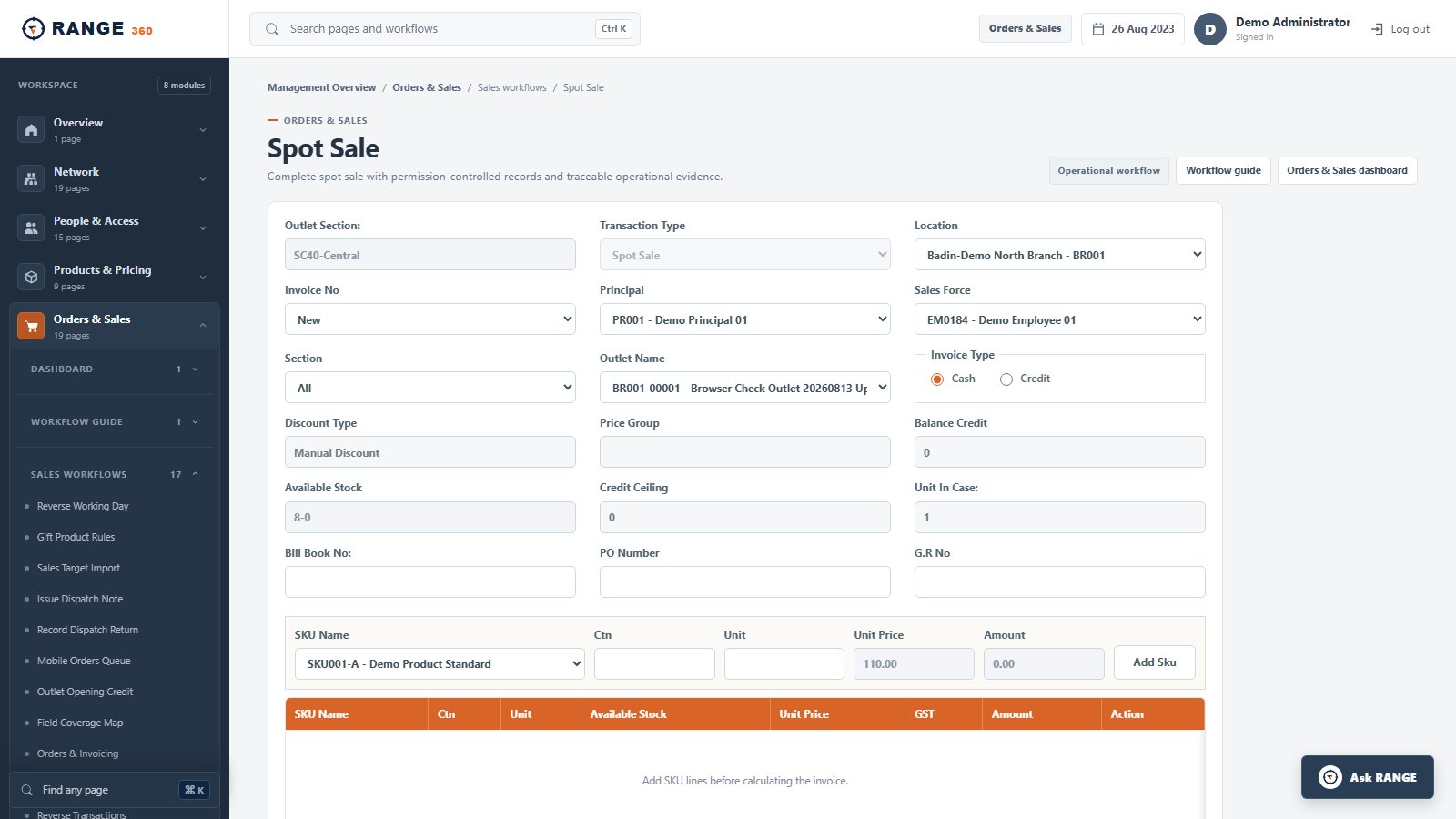
RANGE 360 Spot Sale screen with outlet, salesperson, product, price and stock context
Spot SaleKeep the outlet, responsible employee, SKU, price, stock and payment context together.Real product screen · seeded demo data
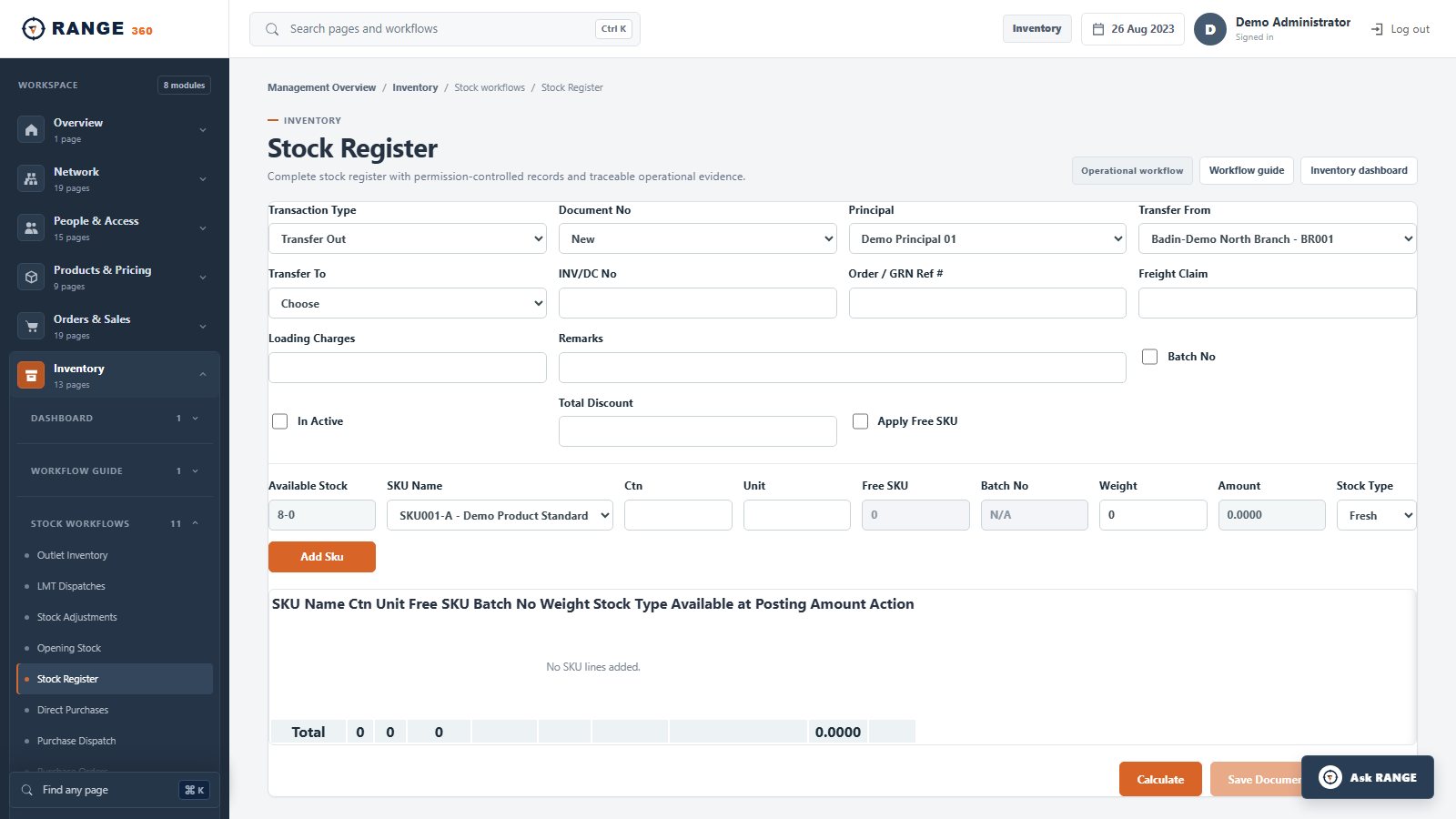
RANGE 360 Stock Register screen for a location-scoped inventory movement
Stock RegisterRecord why stock moved, between which locations, and against which document.Real product screen · seeded demo data
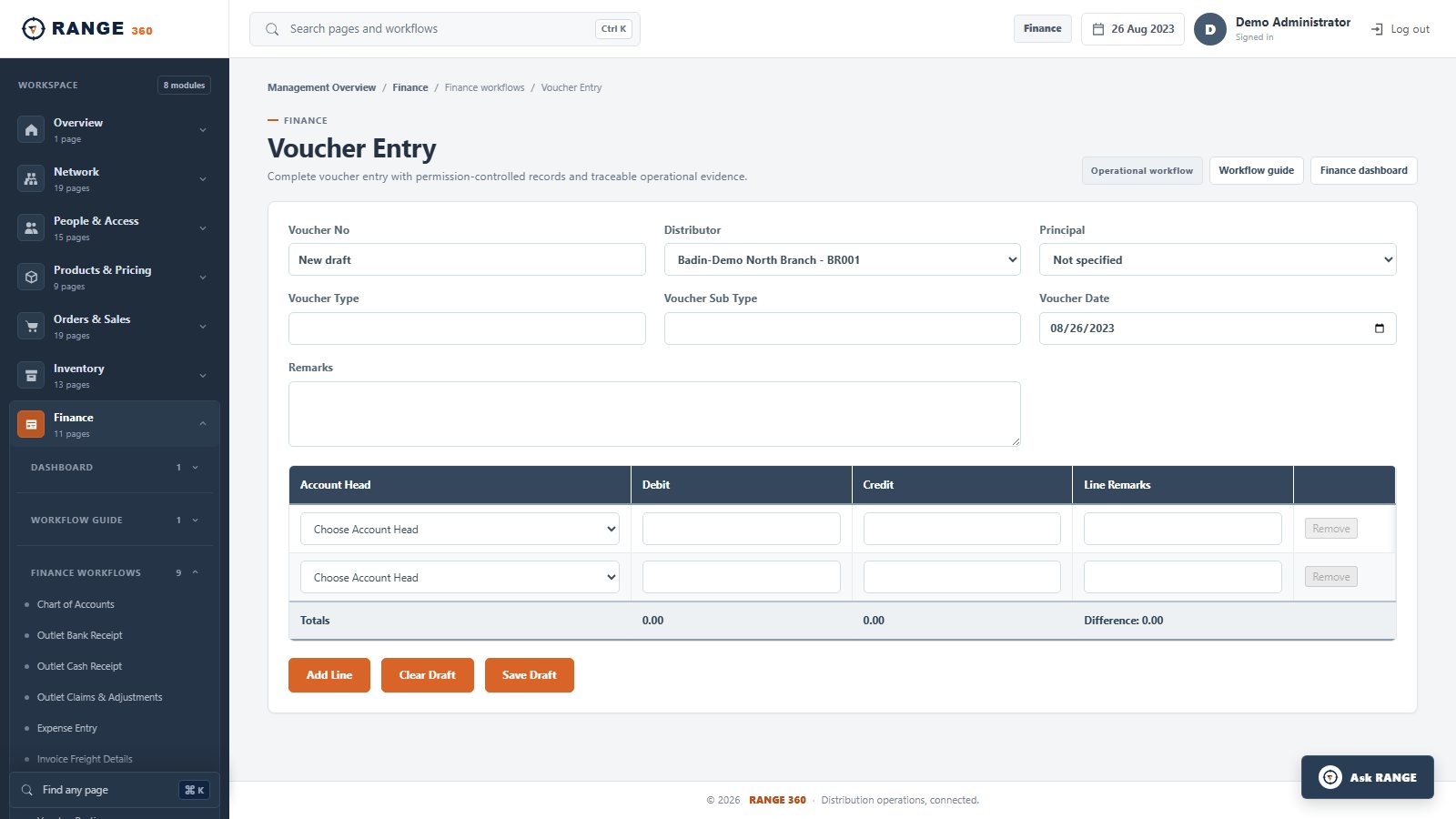
RANGE 360 Voucher Entry screen with balanced debit and credit lines
Voucher EntryCapture controlled finance entries with distributor context and balanced lines.Real product screen · seeded demo data
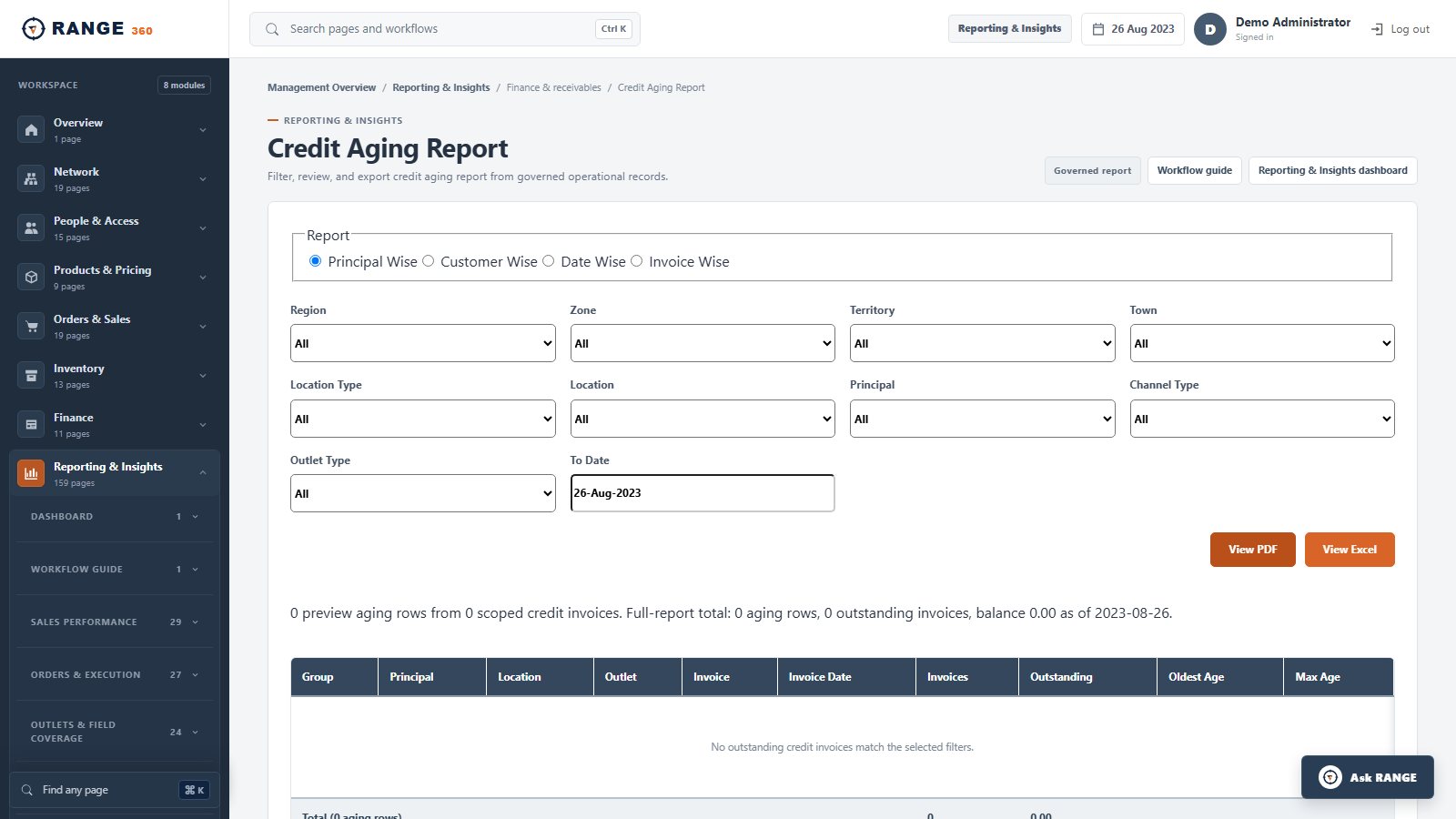
RANGE 360 Credit Aging Report with geography, distributor, principal and outlet filters
Credit Aging ReportReview outstanding credit at the business scope and grouping the finance team needs.Real product screen · seeded demo data
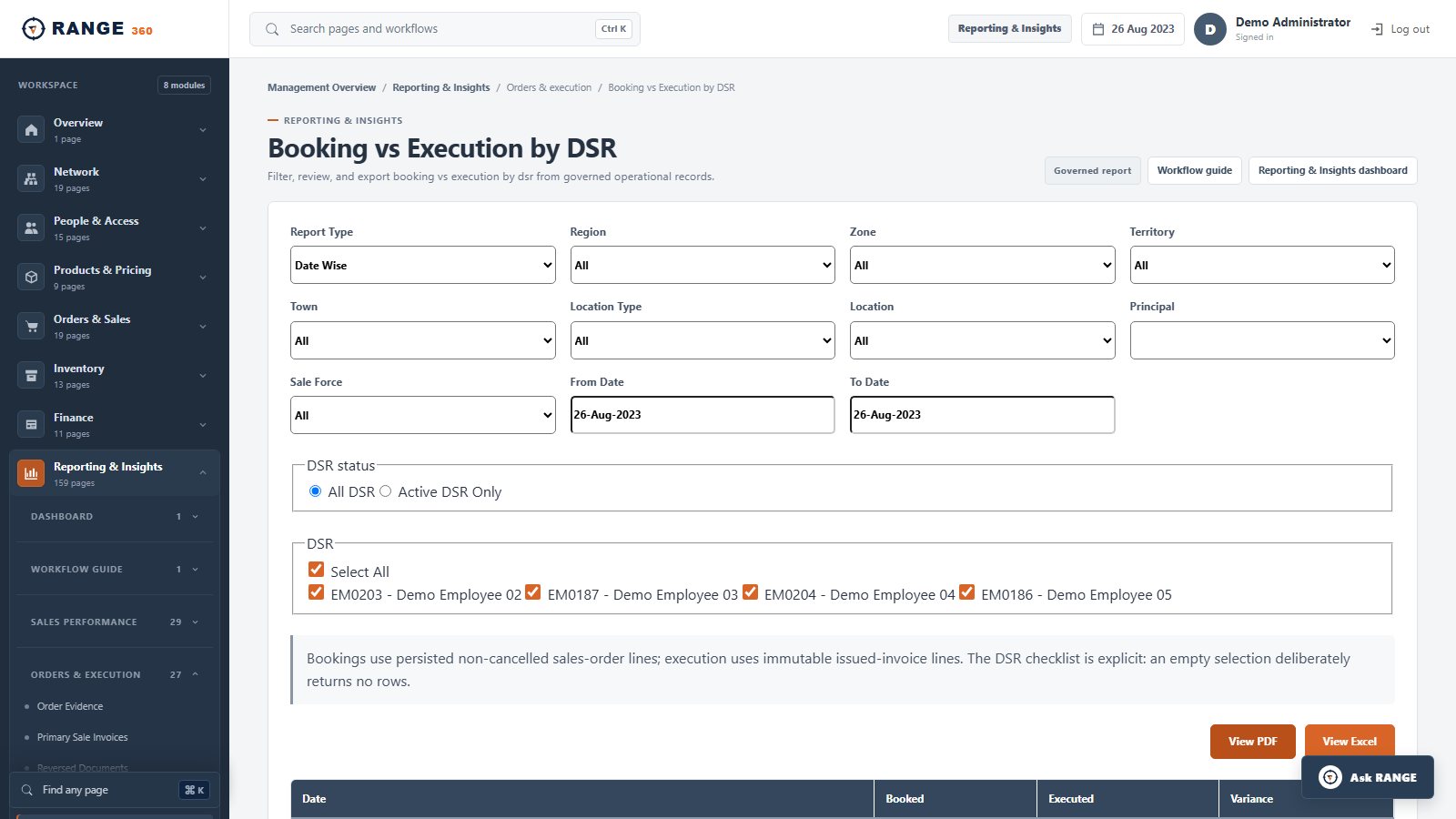
RANGE 360 Booking versus Execution by DSR report with field-team and period filters
Booking vs Execution by DSRSeparate booked demand from executed sales and retain field responsibility.Real product screen · seeded demo data

Bring one real workflow

Follow it from source record to management result.